Design brief template
Use the template to outline your team’s idea. Download a Word copy or open it in Google Docs.
 Project gallery
Everything you need to get set up, find inspiration, and start creating.
Follow these three steps in order. Keep this page open as you go.
Download Scenery on your Mac or iPad. Open the app, then create an account or sign in with Apple or email and password.
Use that same account in the next step.
USC-SOCIAL-IMPACT-26
One month of Pro free. Redeem before the end of the month.
BuildFest Support gives ChatGPT the Scenery reference guides so it can walk you through building and troubleshooting. You only need to install it once.
Save BuildFest_Support_Plugin.zip to your computer. It will usually appear in your Downloads folder. Keep it zipped.
Click the button and sign in to ChatGPT. The Plugins page opens in a new tab, so you can keep following this guide.
Where uploads are enabled, choose Add → Upload plugin (sometimes labeled Upload plugin archive). Select BuildFest_Support_Plugin.zip from Downloads and follow the prompts. If the plugin shows an install or + button, click it.
Start a new chat. Type @ in the message box, search for BuildFest Support, and click its name in the menu. Then send a question like this:
I’m new to Scenery. Help me build my first AR experience, one step at a time. Start by asking what I want to make.
You’re ready when BuildFest Support is selected in your message and ChatGPT replies to your question.
Your design brief, submission form, and workshop materials—all in one place.
Use the template to outline your team’s idea. Download a Word copy or open it in Google Docs.
Ready to share your team’s design brief? Send it through the event submission form.
Revisit the ideation slides as you develop and refine your team’s concept.
Open the shared Google Drive folder to find files for the demos.
Student-built experiences from BuildFest. Explore a few ways teams used Scenery for social impact.

Scan a campaign flyer to explore candidate funding as 3D stacks of money in AR.
View project & demo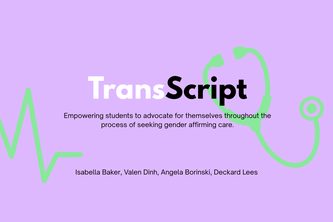
An AR simulation that helps transgender people practice navigating difficult conversations in healthcare settings.
View project & demo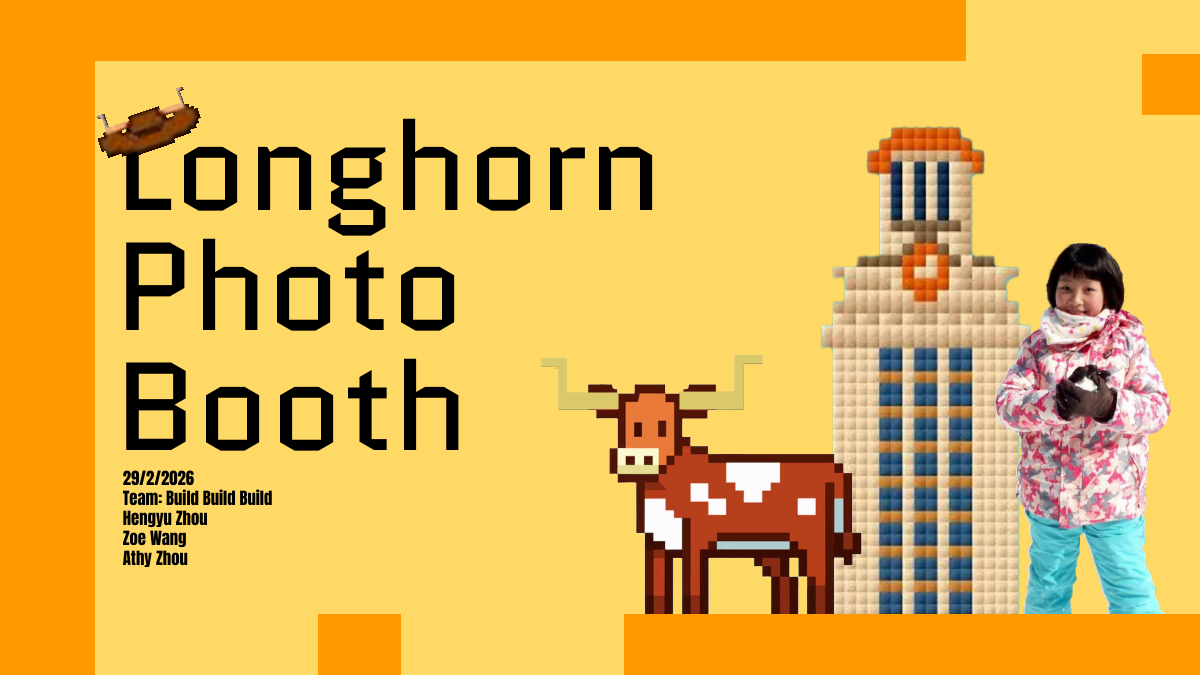
An AR photo experience that brings faraway family and friends into a shared picture.
View project presentation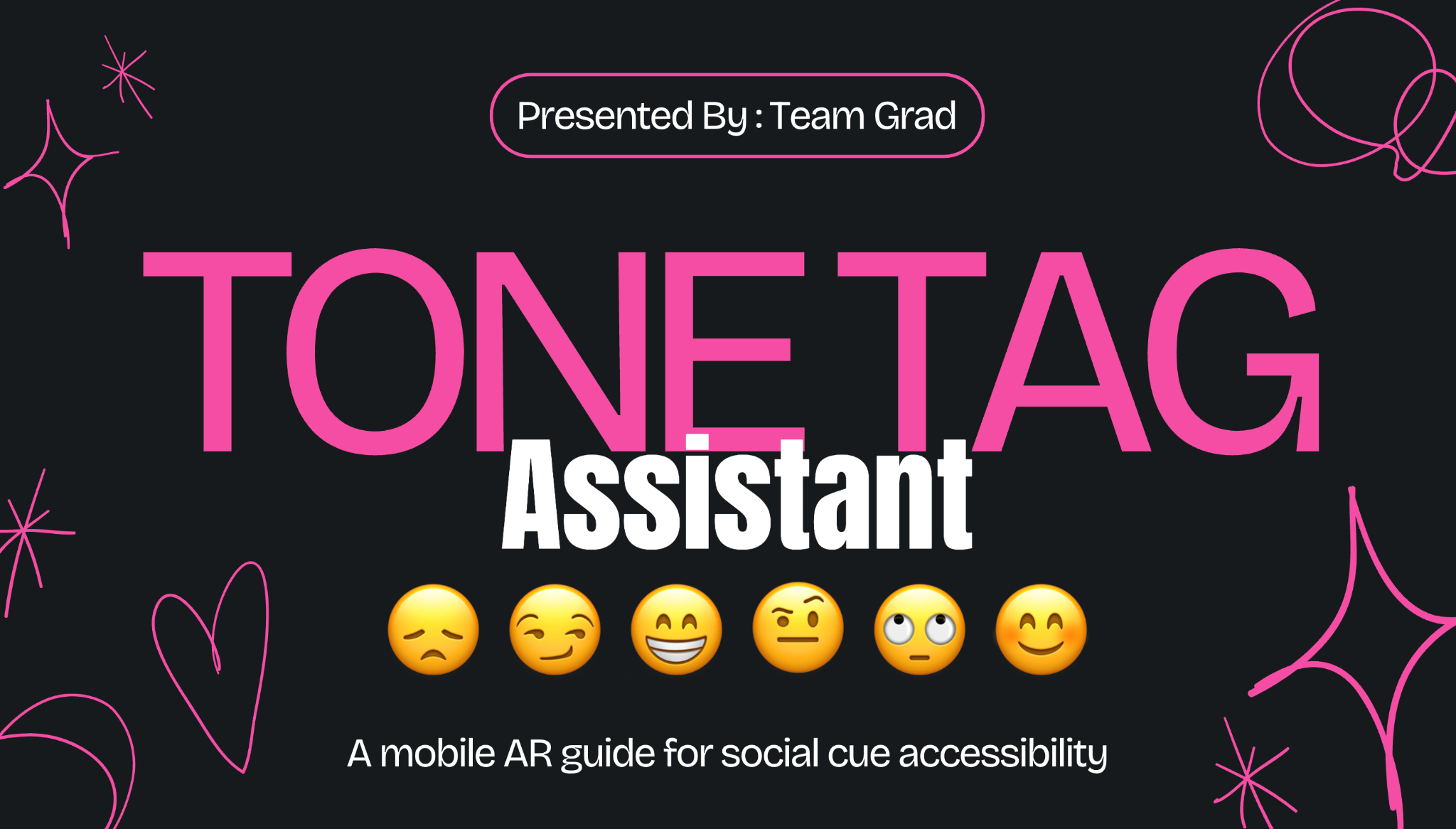
A mobile AR guide designed to make social cues more accessible.
View project presentationShare your experience and find ready-made assets for your build.
Use TinyQR to turn your Scenery share link into a QR code. Free, with no account required.
Static codes don’t expire. Keep the experience link available.
Scenery imports 3D models only in .usdz format. Other model formats must be converted first.
Check the model’s license and any required credit before using it.
Use PNG/JPG for images and MP3, WAV or M4A for sound.
Unzip downloaded asset packs first. In Scenery, open Assets → Upload asset, or drag your USDZ, PNG, JPG, MP3, WAV or M4A file into the editor. Other 3D formats need conversion to USDZ.
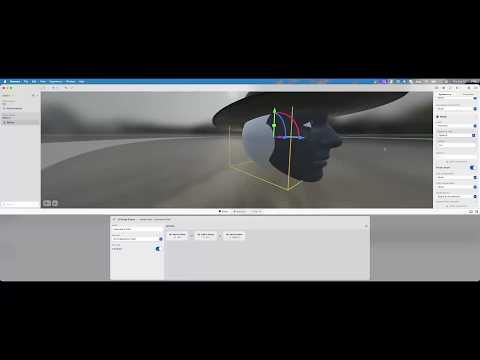
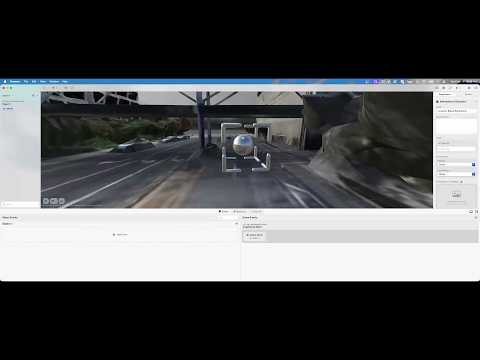
Start with the three-part workshop, then explore face tracking or location-based AR. Videos by Texas Immersive Institute.